RunX100: Run or walk 100 km in 30 days
Accumulate 100 km of running or walking in a 30-day window you choose. Track qualifying activities with Strava or submit screenshots for review.
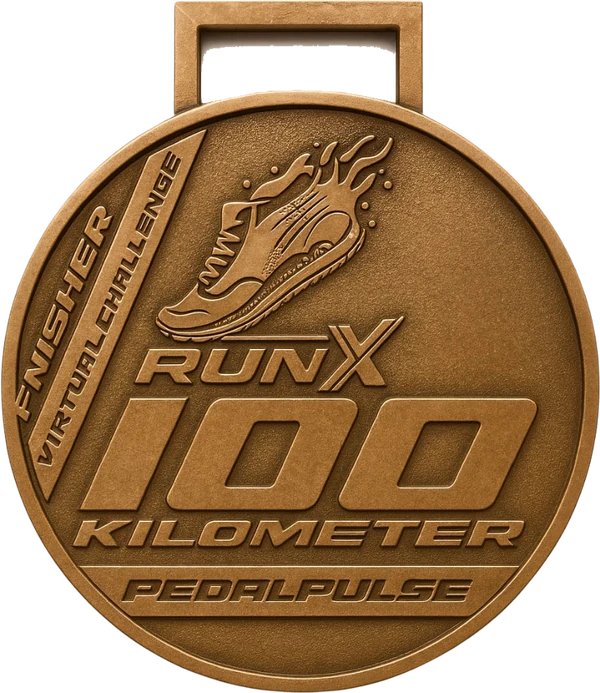
How RunX100 works
- Choose your start date at checkout. Your 30-day window runs from that date.
- Accumulate 100 km inside your window. Qualifying activities add up; you do not need to complete the distance in one session.
- Qualifying activity types: Run, TrailRun, Walk, Hike. Outdoor Strava activities require GPS. Manually entered Strava activities do not count.
- Connect Strava after payment for automatic tracking, or choose manual tracking and submit screenshots from your dashboard for review.
- Rest days are allowed. Only qualifying distance recorded inside your window counts toward 100 km.
RunX100 questions and answers
What counts toward the 100 km?
Qualifying activity types: Run, TrailRun, Walk, Hike. Outdoor Strava activities require GPS. Manually entered Strava activities do not count. Accumulate 100 km inside your window. Qualifying activities add up; you do not need to complete the distance in one session.
When does my window start?
Choose your start date at checkout. Your 30-day window runs from that date. Activities before your window starts do not count.
Can I take rest days?
Rest days are allowed. Only qualifying distance recorded inside your window counts toward 100 km.
Do I need Strava? How does manual upload work?
Connect Strava after payment for automatic tracking, or choose manual tracking and submit screenshots from your dashboard for review. Reviewed screenshot uploads are different from activities manually entered into Strava.
What if I do not finish 100 km in 30 days?
If you are short of 100 km when your 30-day window ends, the challenge resets to a fresh window on the same registration. Complete the target within a window to unlock your finisher rewards.
What does my entry include?
Check the current entry details for the total price, required items and optional add-ons. Finisher rewards unlock when you complete the qualifying distance.
Do I need an account before paying?
No. Pay first: your account is created and you are signed in. Then connect Strava from your dashboard.
When do earned medals and add-ons ship?
Medals and add-ons are dispatched within 2 to 3 days after your completed challenge window has ended. Tracking details are sent by email after dispatch.